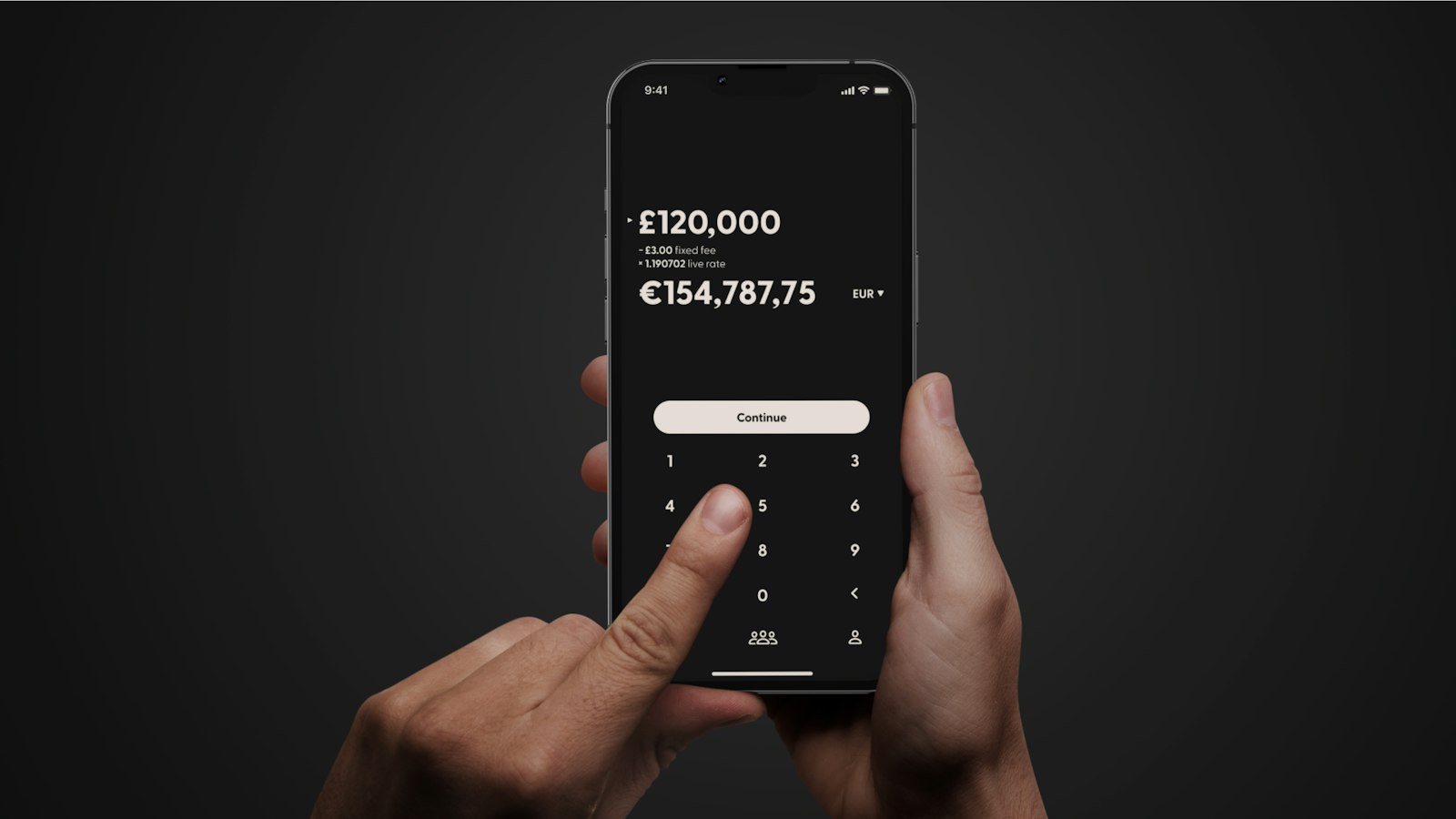
Between them, GCash and Maya reach roughly 95% of digitally active Filipinos — which is exactly why most people’s first crypto purchase happens inside one of these two apps, not on a dedicated exchange. If you skipped straight here from search, our beginner’s guide covers the basics of what you’re actually buying; this one is about the mechanics of doing it through GCash and Maya specifically.
GCrypto: Buying Crypto Inside GCash
GCrypto is GCash’s built-in crypto feature, and it works as a separate “Trading Wallet” connected to your main GCash balance rather than a fully independent account.
- Fees: top-ups and withdrawals between your GCash wallet and the GCrypto Trading Wallet are free. Convenience fees apply specifically when you send crypto out of GCrypto, and the fee varies by coin — GCash shows the exact amount on the Send/Receive screen before you confirm.
- Limits: minimum and maximum order sizes, plus how much you can move between GCash and GCrypto, depend on your GCash verification (KYC) tier — the more you’ve verified, the higher your limits.
- Order execution: buy/sell orders in GCrypto process in real time, and once a payment is confirmed, the order can’t be canceled — double-check the amount before you tap confirm.
- Coin selection: GCrypto supports a growing list of established coins and tokens across multiple networks (for example Ethereum’s ERC-20 and Cardano), rather than obscure low-cap tokens — this isn’t the place to buy a brand-new meme coin, which is a separate topic we cover in our degen trading guide.
Maya Crypto: The Other Major On-Ramp
Maya’s crypto feature lives inside the main Maya app alongside its other financial services (bills payment, loans, QR payments).
- Getting started is cheap: Maya lets you start owning crypto with just a valid ID and as little as ₱100.
- Coin selection has expanded fast: as of 2026, Maya supports around 33 tokens, after adding XRP, BNB, PAXG, and several meme coins, on top of an earlier expansion in March 2026 that added 18 tokens including AAVE, ENS, and INJ alongside majors like BTC, ETH, and SOL.
- The fee structure needs a closer look than it first appears: Maya advertises no transaction fees, but the actual spread — the gap between the buy and sell price — isn’t clearly disclosed in Maya’s own pricing documentation. “No fee” doesn’t mean “no cost”; a wide spread can cost you more than an explicit fee would, you just don’t see it as a line item.
- Maya is also expanding beyond just buying and holding: a May 2026 partnership with payments infrastructure provider Lydian is aimed at enabling broader crypto payment functionality inside the app, not just trading.
GCrypto vs. Maya: Which Should You Use First?
Neither is objectively “better” — they solve slightly different needs:
- Pick GCrypto if: you already keep most of your money in GCash, want transparent per-coin send fees, and are comfortable with orders you can’t cancel once confirmed.
- Pick Maya if: you want the lowest possible starting amount (₱100), want access to a wider and faster-growing token list including some meme coins, and are comfortable not seeing an exact spread cost upfront.
- Realistically: many active traders end up using both, plus a licensed exchange like the ones in our exchange comparison once they outgrow either wallet app’s coin selection or order types.
P2P as a Third Option
If you need USDT specifically, or a coin neither app supports, P2P marketplaces (trading directly with another person via GCash, Maya, or bank transfer) remain a common route — we covered the mechanics and the extra counterparty risk involved in our beginner’s guide. The short version: stick to high-volume, well-reviewed counterparties, and never release funds before payment is actually confirmed in your own account.
What to Do After Your First Purchase
Once you’ve bought something, the two habits worth building immediately are tracking what you paid (including fees/spread) so you actually know your break-even price, and deciding your risk rules — how much you’re willing to lose — before the position moves against you, not after. We go deeper on both in our risk management guide.
Video: A Step-by-Step Maya Crypto Walkthrough
This is a third-party video, not produced by Crypto Observe — verify current fees and steps against the app itself, since interfaces change.
Frequently Asked Questions
Is it cheaper to buy crypto through GCash or Maya?
It depends on the coin and amount. GCrypto’s send fees are itemized per coin, which makes the cost visible upfront. Maya advertises no transaction fee but doesn’t clearly disclose its spread, so the real cost is harder to see directly — compare the actual amount of crypto you receive for the same peso amount on both before assuming one is cheaper.
Can I buy Bitcoin with ₱100 on Maya?
Yes — Maya allows you to start with as little as ₱100 and a valid ID, and Bitcoin is among its supported coins.
Why can’t I cancel a GCrypto order after I confirm it?
GCrypto buy/sell orders execute in real time against live market prices, so once your payment is confirmed, the trade has already happened — there’s no order sitting open to cancel, unlike a limit order on a full exchange.
Do GCrypto and Maya crypto support meme coins?
Maya has added some meme coins to its expanded token list in 2026; GCrypto’s lineup leans toward more established assets. For active meme coin trading, most Filipino traders still move funds to a decentralized exchange, as covered in our degen trading guide.